


|
Name |
Scratch |
|---|---|
|
Google Play Link |
GET IT ON
Google Play
|
|
Category |
Education |
|
Developer |
Scratch Foundation |
| Last version | 3.1.0 |
|
Updated |
|
|
Compatible with |
Android 6.0+ |
Introduction to Scratch APK
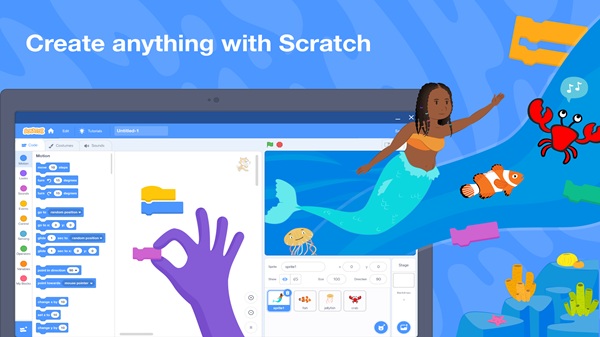
Scratch APK is a coding app made for creating interactive stories, simple games, animations, and classroom projects. It uses visual blocks, so users can build logic by snapping commands together instead of typing long lines of code. This makes Scratch easy for kids, beginners, and curious learners who want to understand how programming works.
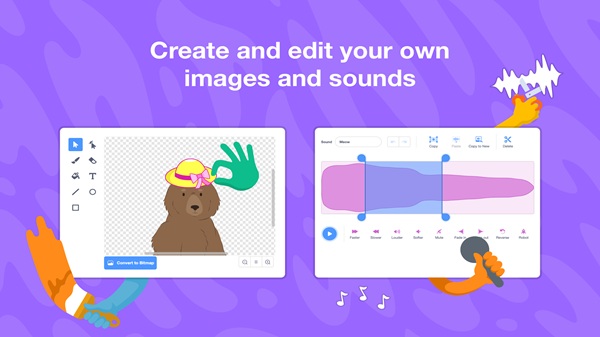
The app is mainly used to teach creative coding. Users can choose characters, add backgrounds, insert sounds, record audio, and control how everything moves on screen. A student can make a quiz game, a short cartoon, a music project, or a small animation without needing advanced technical skills.
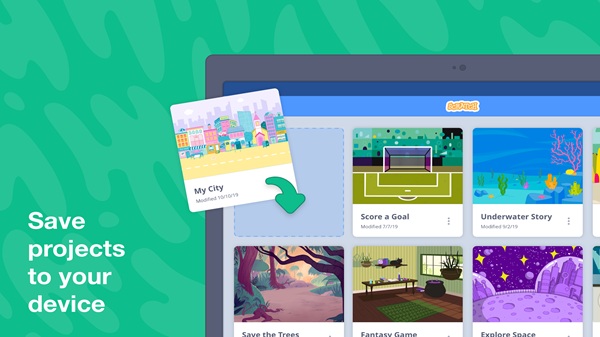
One helpful part of Scratch is its offline support. Users can create and save projects without an internet connection, which is useful for tablets at home, school devices, or places with weak Wi-Fi. Projects can also be shared later with friends, family, classmates, or the wider Scratch community after signing in.
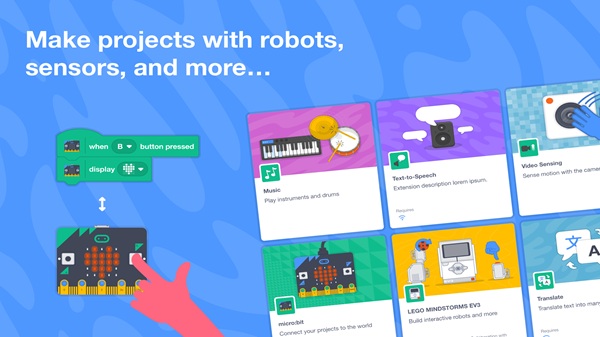
Scratch also supports learning through tutorials and educator resources. Beginners can follow guided lessons to learn the basics, while teachers can use it for coding activities in class. It also works with some physical devices, such as micro:bit, Makey Makey, LEGO MINDSTORMS, and webcams, which gives projects a more hands-on feel.
The biggest advantage of Scratch APK is how approachable it feels. It turns coding into a visual activity, so users can test ideas quickly and fix mistakes without panic. It helps build problem-solving, creativity, sequencing, and basic programming logic. Pretty handy for an app that looks simple at first glance.
There are a few limits to know. Scratch is designed for beginner and educational projects, so it may feel too basic for users who already write code in languages like Python or JavaScript. Some sharing features need an account and internet access. Screen size can also affect comfort, especially on smaller Android devices.
Scratch APK is suitable for kids, students, parents, teachers, and anyone starting from zero with coding. It is most useful for school lessons, home learning, creative practice, coding clubs, and beginner projects where the goal is to learn by making something fun and easy to understand.
FAQs Scratch
What is Scratch used for?
+
Scratch is used to create interactive stories, animations, games, and learning projects with visual coding blocks.
Who can use Scratch APK?
+
Scratch APK is suitable for kids, beginners, students, teachers, parents, and anyone who wants to learn basic coding in a simple way.
Can Scratch APK work without internet?
+
Yes. Scratch APK supports offline project creation and saving, so users can keep working without a constant internet connection.
What features does Scratch APK offer?
+
Scratch APK includes visual coding blocks, characters, backgrounds, sounds, recording tools, tutorials, sharing options, and support for some physical devices.
Is Scratch APK good for school learning?
+
Yes. Scratch APK works well for classroom lessons, coding clubs, homework projects, and creative activities that teach logic and problem-solving.
Discover More Interesting Apps
-

Pijar
v2.0.3
13.63 Mb
Updated -
Gyan TV
v124.0
26.31 Mb
Updated -
Board Exam By Khan Sir
v29.0
119.33 Mb
Updated -
Mod
Chorcha
v3.0.134
101.52 Mb
Updated -
Mod
Seekho
v1.14.95
55.66 Mb
Updated -
Mod
APEUni
v12.3.0
49.85 Mb
Updated -
Mod
Duolingo
v6.105.2
197.87 Mb
Updated -
Mod
Course Hero
v4.14.4
85.56 Mb
Updated -
Simply Draw
v1.21.0
94.35 Mb
Updated -
Mod
Gauthmath
v2.12.2
128.96 Mb
Updated









Share Your Thoughts